
Views: 257 Author: Eyunhome Vacuum Publish Time: 2026-11-04 Origin: Site


Content Menu
● What Is Matter, and How Does It Work with Robot Vacuums?
>> Matter Is Not a Cleaning Technology
● What Can a Matter-Compatible Robot Vacuum Actually Do?
● Matter vs. Manufacturer Apps vs. Built-In Voice Assistants
>> Matter: The Shared Communication Layer
>> Manufacturer Apps: The Detailed Configuration Layer
>> Built-In Voice Assistants: A Separate Control Method
● Can Matter Robot Vacuums Work Without the Internet?
● What Has Changed for Apple Home Users?
● How to Verify Matter Robot Vacuum Compatibility Before Buying
>> Step 1: Identify the Exact Product
>> Step 2: Check Certification Information
>> Step 3: Separate Released Support from Roadmap Language
>> Step 4: Test the Intended Household Workflow
● A Matter Acceptance Checklist for Distributors and Private-Label Brands
● How to Evaluate User Feedback Without Being Misled
● Privacy, Security, and Long-Term Support
● What Matter Means for a Broader Vacuum Product Range
>> 1. What Is a Matter-Compatible Robot Vacuum?
>> 2. Does Matter Replace the Manufacturer's App?
>> 3. Does Matter Guarantee Offline Voice Control?
>> 4. Can an Older Robot Vacuum Receive Matter Support?
>> 5. Does Matter Improve Cleaning Performance?
>> 6. What Should a Business Buyer Request from a Supplier?
Matter for robot vacuums promises something practical: easier control across compatible smart home platforms without relying entirely on separate brand integrations. However, a Matter-compatible robot vacuum does not automatically offer every feature in every app, work with every controller, or process voice commands without internet access.
For homeowners, the opportunity is simpler everyday cleaning. For distributors and private-label brands, the challenge is separating verified functionality from future promises.
My recommendation is to evaluate compatibility as a complete chain: the vacuum, its installed firmware, the smart home controller, and the functions available in the destination app. A logo is a useful starting point, but a working demonstration is stronger evidence.

Matter is an IP-based smart home connectivity standard developed by the Connectivity Standards Alliance. It provides a shared framework that compatible devices and platforms can use to communicate.
Instead of depending exclusively on a separate cloud integration for each appliance brand, a supported controller can exchange standardized commands with a compatible device over the local network.
Matter supports Wi-Fi and Thread networking, with Bluetooth Low Energy used during commissioning. Buyers should check the actual connection method of their chosen vacuum rather than assume every Matter product requires the same networking equipment.
For robot vacuum owners, the practical benefit is a common control layer. Depending on the product and platform implementation, that can include cleaning commands, operating modes, and status information.
Matter does not increase suction, improve brush design, remove tangled hair, or make navigation more accurate.
Those capabilities depend on the vacuum's engineering.
A useful buying decision therefore separates two questions:
- Does the machine clean the intended surfaces effectively?
- Does its connectivity make everyday operation easier?
A connected appliance still needs reliable pickup, accessible maintenance, suitable filtration, and dependable replacement parts.
The Matter 1.2 specification introduced robot vacuum functionality, including standardized operating and cleaning-mode interfaces. However, a capability defined in a specification is not necessarily exposed in every consumer app.
The usable feature set depends on what both the vacuum and its controller implement.
| Function | What buyers should verify |
|---|---|
| Starting and stopping cleaning | Whether the exact app supports the required commands |
| Cleaning-mode selection | Which vacuuming or mopping options are available |
| Operating status | Whether the app displays useful current-state information |
| Room-specific cleaning | Whether rooms or cleaning areas are exposed correctly |
| Mapping and no-go zones | Which settings still require the manufacturer's app |
| Dock maintenance | Whether specialized dock functions remain proprietary |
Treat this table as a verification checklist, not a universal feature guarantee.
For example, "start cleaning" may work through a smart home app while detailed map editing remains in the manufacturer's interface. That is not necessarily a fault. It reflects the difference between standardized controls and brand-specific features.
These technologies perform different jobs. Understanding their roles prevents unrealistic expectations.
Matter standardizes how supported devices and controllers exchange information.
Its multi-admin capability allows a device to be shared with more than one compatible ecosystem. However, sharing normally requires an authorized commissioning process. A vacuum should not be expected to appear automatically in every app simply because it was added to one.
Each platform must also support the relevant device category.
The original app often remains necessary for advanced settings.
Depending on the model, these may include:
- Creating and editing maps.
- Defining restricted areas.
- Adjusting room-specific cleaning preferences.
- Configuring dock washing or drying.
- Installing firmware.
- Accessing maintenance records and troubleshooting tools.
For buyers, the goal should be fewer unnecessary app interactions—not an unsupported promise that the original app will disappear.
Some robot vacuums include onboard voice control. Certain models advertise offline commands without requiring an external smart speaker.
This is separate from Matter.
An onboard assistant may process supported commands locally, while a smart speaker may depend on an internet-connected voice service. Buyers should verify offline behavior for the exact model, language, and command.
Matter's local connectivity can allow supported device-control functions to continue when the internet connection fails, provided the local network, controller, and vacuum remain operational.
However, local communication and offline voice recognition are different capabilities.
A voice request can involve several stages:
1. A microphone captures the request.
2. A voice service interprets it.
3. The controller generates a command.
4. The command reaches the vacuum.
Matter can provide the local communication path without guaranteeing that the earlier voice-processing stages work offline.
The same distinction applies to remote access. Controlling a vacuum from outside the home may require internet-connected services even when control inside the home uses the local network.
Before relying on outage operation:
1. Complete setup and install available updates.
2. Confirm normal cleaning control.
3. Disconnect the router's internet connection while leaving the local network running.
4. Test supported app controls and automations.
5. Test voice commands separately.
6. Record which functions continue working.
This produces a useful answer for the actual installation rather than a general assumption about the protocol.
Apple's iOS 18.4 release added control of Matter-compatible robot vacuum cleaners in the Home app, including support for scenes and automations.
That means older descriptions presenting Apple Home robot vacuum support as merely an upcoming feature are no longer an adequate buying guide.
However, platform support does not make every existing vacuum compatible. The appliance still needs appropriate hardware, software, and an available implementation.
For any purchase, verify:
- The exact model and regional version.
- The installed firmware.
- The supported controller and software requirements.
- The commands available in the Home app.
- Any remaining manufacturer-app requirements.
An announced firmware update should not be treated as installed functionality.
From a procurement perspective, the strongest evidence combines documentation with a demonstration on the intended platform.
Request the complete model number, market version, and firmware revision.
A family name or similar exterior design is not enough. Related products can have different software roadmaps and available features.
The Connectivity Standards Alliance maintains a searchable certified-products database.
Use it to investigate the relevant product or platform listing, and ask the supplier to explain how that listing applies to the finished appliance being offered.
Certification evidence should match the purchasing decision—not simply refer to the manufacturer's participation in the alliance.
Product pages sometimes include phrases such as "available through an upcoming over-the-air update."
For example, Roborock's global Saros 10 page includes an upcoming-update qualification for Matter support. Such wording is a reason to request current regional confirmation, not proof that every unit already supports the feature.
Ask for:
- A released firmware version.
- Current setup instructions.
- A demonstration using the proposed production sample.
- Written confirmation of platform limitations.
Do not stop after successful pairing.
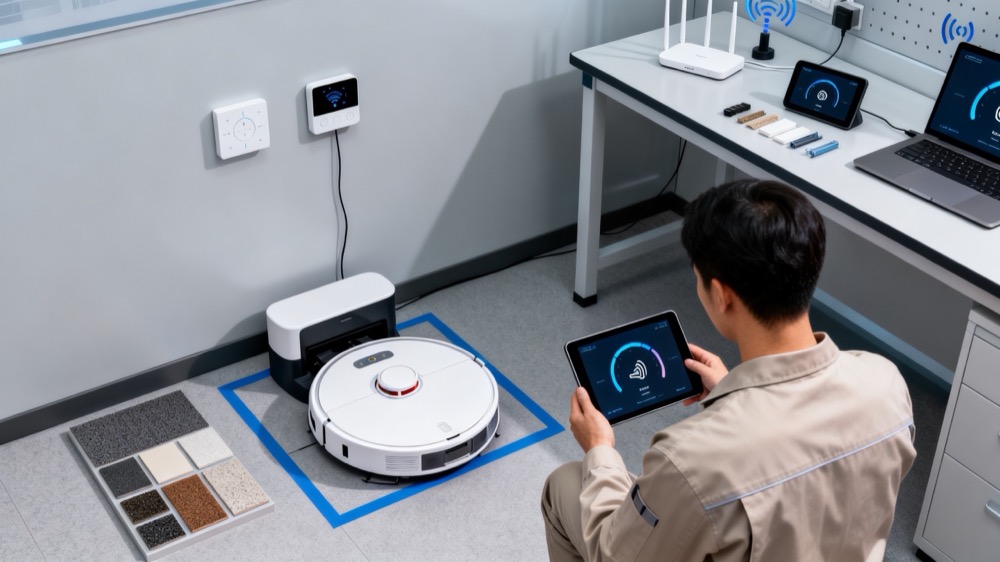
Test a realistic sequence: start cleaning, pause, resume, inspect status, and run a supported automation. If room cleaning matters, verify room selection rather than assuming it follows from basic connectivity.
For commercial buyers, connectivity should become part of sample acceptance rather than remain a marketing claim.
The following framework is a proposed purchasing tool, not a published performance benchmark.
| Acceptance area | Evidence to request |
|---|---|
| Product identity | Model, region, firmware, and relevant certification details |
| Commissioning | Successful setup using documented instructions |
| Core controls | Demonstration of each advertised command |
| Multi-platform sharing | Authorized addition to a second supported ecosystem |
| Offline behavior | Results with internet disconnected but local networking active |
| Recovery | Behavior after router and controller restarts |
| Support readiness | Troubleshooting guide and escalation contact |
For larger orders, retain screenshots, test notes, and approved software versions with the sample record.
This helps align product pages, packaging, customer-service scripts, and delivered functionality. It also gives support teams a clearer starting point when diagnosing complaints.
Avoid advertising broad phrases such as "works with every smart home" unless the claim can be substantiated across the relevant products and platforms.
Customer reviews can reveal practical friction, but they need context.
A comment saying "the vacuum will not connect" does not establish whether the cause is firmware, controller support, network configuration, or a defective appliance.
When reviewing feedback, look for:
- The exact model and region.
- The date and software version.
- The smart home platform involved.
- Whether initial pairing or later operation failed.
- The supplier's response and eventual resolution.
No verified customer reviews were supplied for this article, so no customer quotations, satisfaction figures, or ownership experiences are presented as evidence.
For future updates, prioritize authenticated feedback with enough technical detail to investigate. Distinguish repeated, documented problems from isolated comments, and avoid turning a few reviews into unsupported failure-rate claims.
Matter's security framework includes protected communication and device-authentication mechanisms. Nevertheless, protocol-level security does not explain everything an appliance or its companion app does.
A robot vacuum may also use cloud accounts, mapping services, microphones, cameras, or remote-viewing features.
Buyers should ask:
- Which functions require a cloud account?
- What information leaves the home?
- Can optional camera or microphone features be disabled?
- How are accounts, maps, and ownership associations removed?
- How long will security updates and technical support remain available?
For resale or household transfer, follow the manufacturer's documented removal and reset procedure. Confirm that the previous owner's access has been removed rather than assuming a physical reset resolves every account association.
Matter is relevant to connected robot vacuums, but it should not dictate every floor-care purchasing decision.
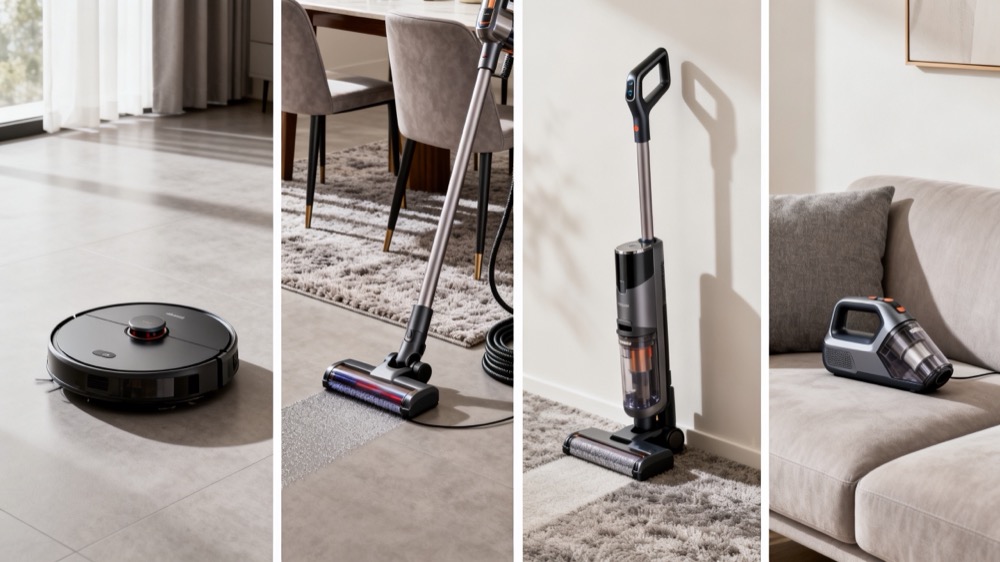
Robot vacuums, upright vacuums, handheld models, and cordless cleaners address different tasks. Connectivity does not replace the need for tools suited to stairs, upholstery, vehicle interiors, or targeted cleaning.
For a commercial range, I would begin with customer use cases and then decide where connected features add genuine value.
Ningbo Eyunhome Electric Technology Co., Ltd. supplies upright, handheld, corded, and cordless vacuum cleaner solutions, with OEM/ODM services, production support, and after-sales assistance for global business customers.
Those capabilities should be discussed separately from robot vacuum connectivity. This article does not establish that Eyunhome currently manufactures Matter-certified robot vacuums.
For your next sourcing project, share your target market, preferred vacuum format, performance requirements, branding needs, and expected order volume with Eyunhome. Request suitable product options and samples, and confirm any connectivity requirements in writing before finalizing specifications.
It is a robot vacuum that implements Matter functionality for supported smart home control. Buyers should verify the exact product, released firmware, and destination platform rather than rely on a broad compatibility statement.
Not necessarily. Everyday controls may be available through a smart home platform, while mapping, advanced cleaning settings, firmware updates, and specialized dock functions remain in the original app.
No. Local device communication does not guarantee local speech recognition. Offline voice operation depends on the assistant, hardware, supported language, and specific command.
Possibly, if its hardware and software support the implementation and the manufacturer releases an appropriate update. Buyers should not assume that an older connected vacuum will become compatible.
No. Matter concerns connectivity and interoperability. Cleaning performance still depends on factors such as airflow, brushes, navigation, filtration, and maintenance.
Request model-specific compatibility documentation, relevant certification information, released firmware details, sample demonstrations, and a written support plan. Include the advertised connected functions in the sample-acceptance checklist.
1. Vacuum Wars — "What Is Matter and What Does It Mean for Robot Vacuums?" Updated December 18, 2025. Original article reviewed for topic coverage, compatibility claims, and areas requiring clarification. [vacuumwars]
2. Connectivity Standards Alliance — "Matter Smart Home Standard." Official overview of the protocol, IP-based architecture, local connectivity, networking technologies, and interoperability objectives. [csa-iot]
3. Connectivity Standards Alliance — "Matter Application Cluster Specification, Version 1.2." October 18, 2023. Technical reference for standardized robotic vacuum operating and cleaning-mode interfaces. [csa-iot]
4. Apple Support — "About iOS 18 Updates," iOS 18.4 section. Official confirmation of Matter-compatible robot vacuum control in the Home app, scenes, and automations. [support.apple]
5. Connectivity Standards Alliance — "Certified Products Search." Official searchable database for investigating product, platform, device-type, company, and certification records. [csa-iot]
6. Roborock — "Saros 10: Down to the Finest Detail." Manufacturer product documentation illustrating firmware-update qualifications, proprietary app features, and separately advertised offline voice operation. Product availability and functionality require regional confirmation. [global.roborock]


